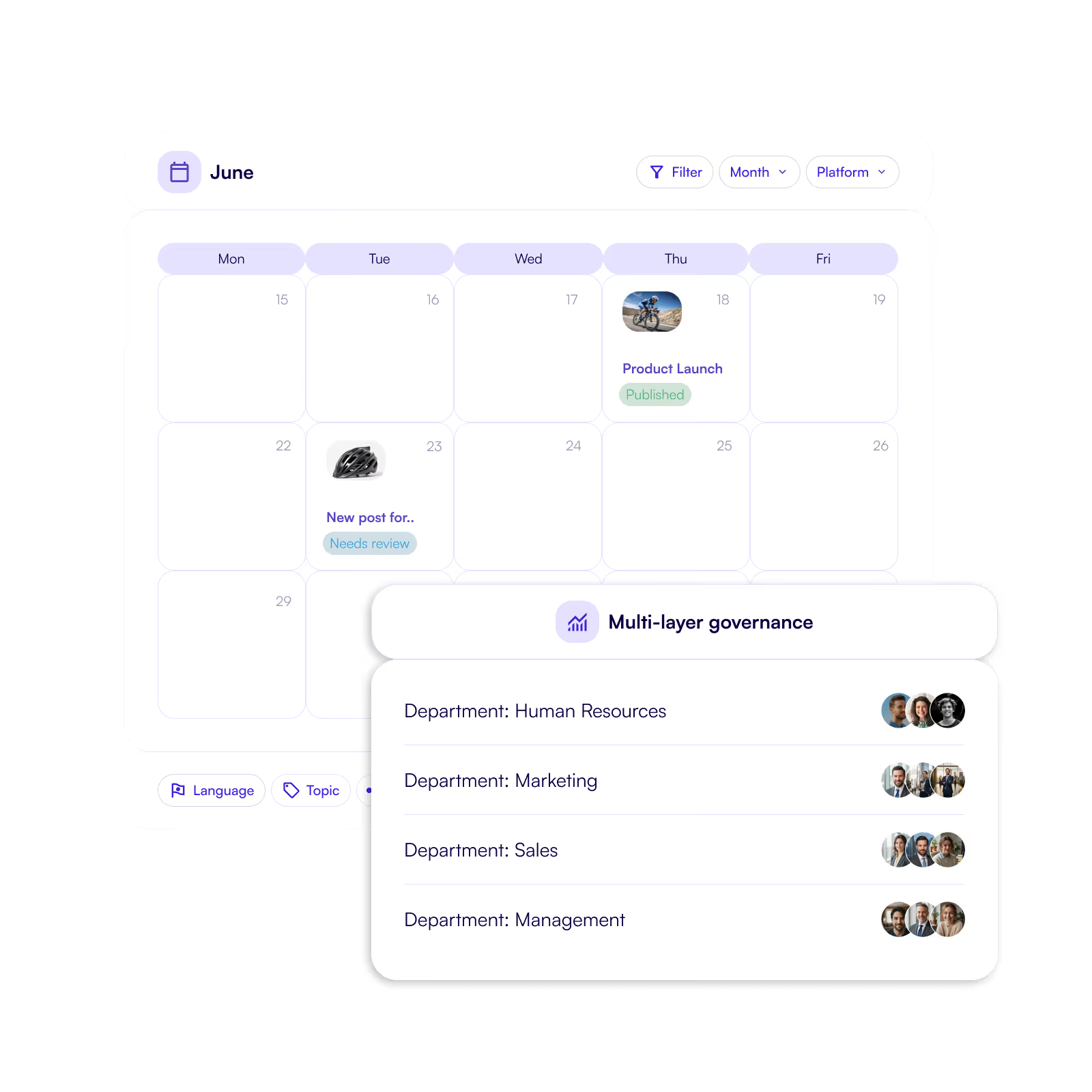
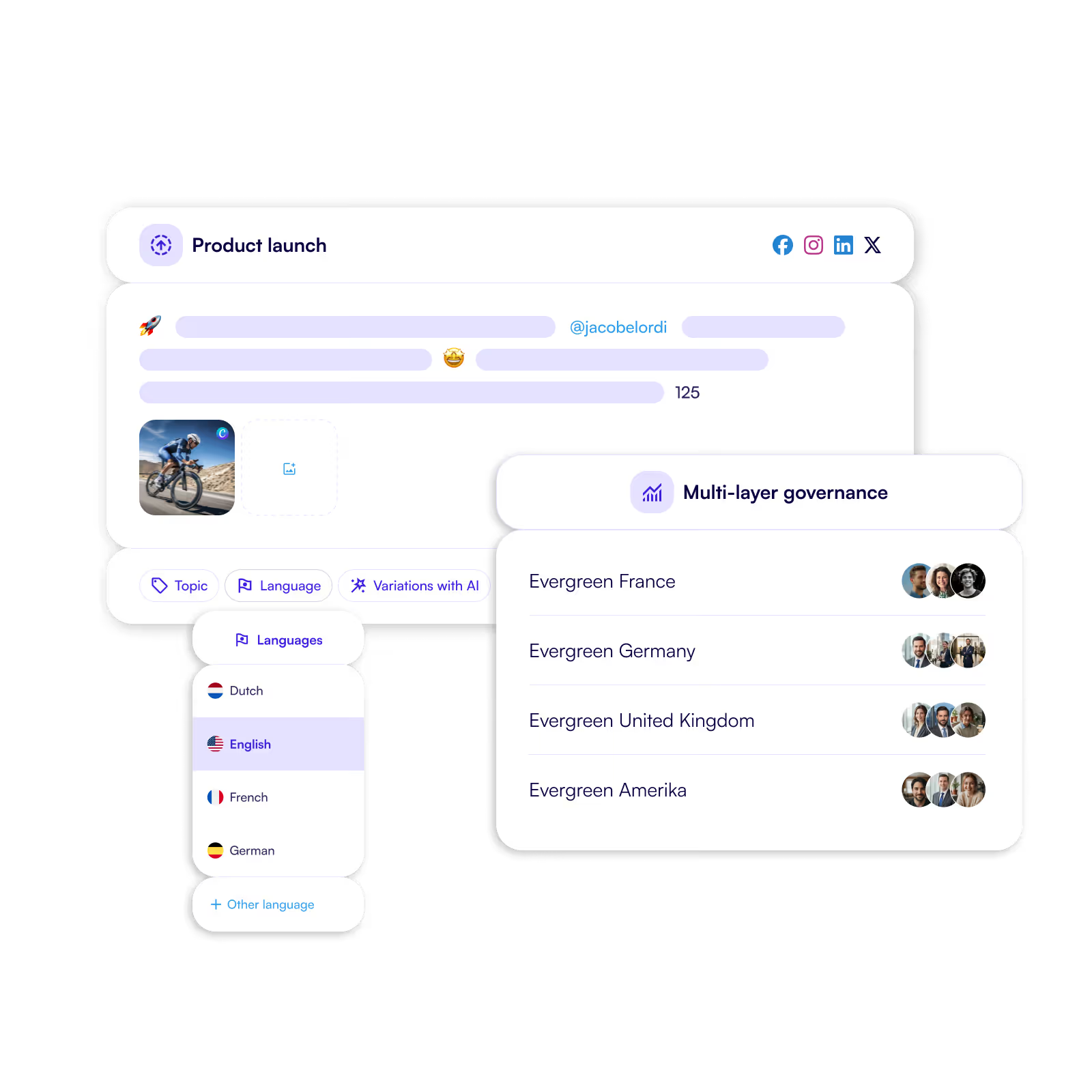
Multi-layer governance

Control Social Media Across Teams and Regions

Manage central, regional and local teams in one platform while maintaining brand control and operational clarity. Define policies, roles and boundaries centrally while allowing teams to activate content confidently within their scope.
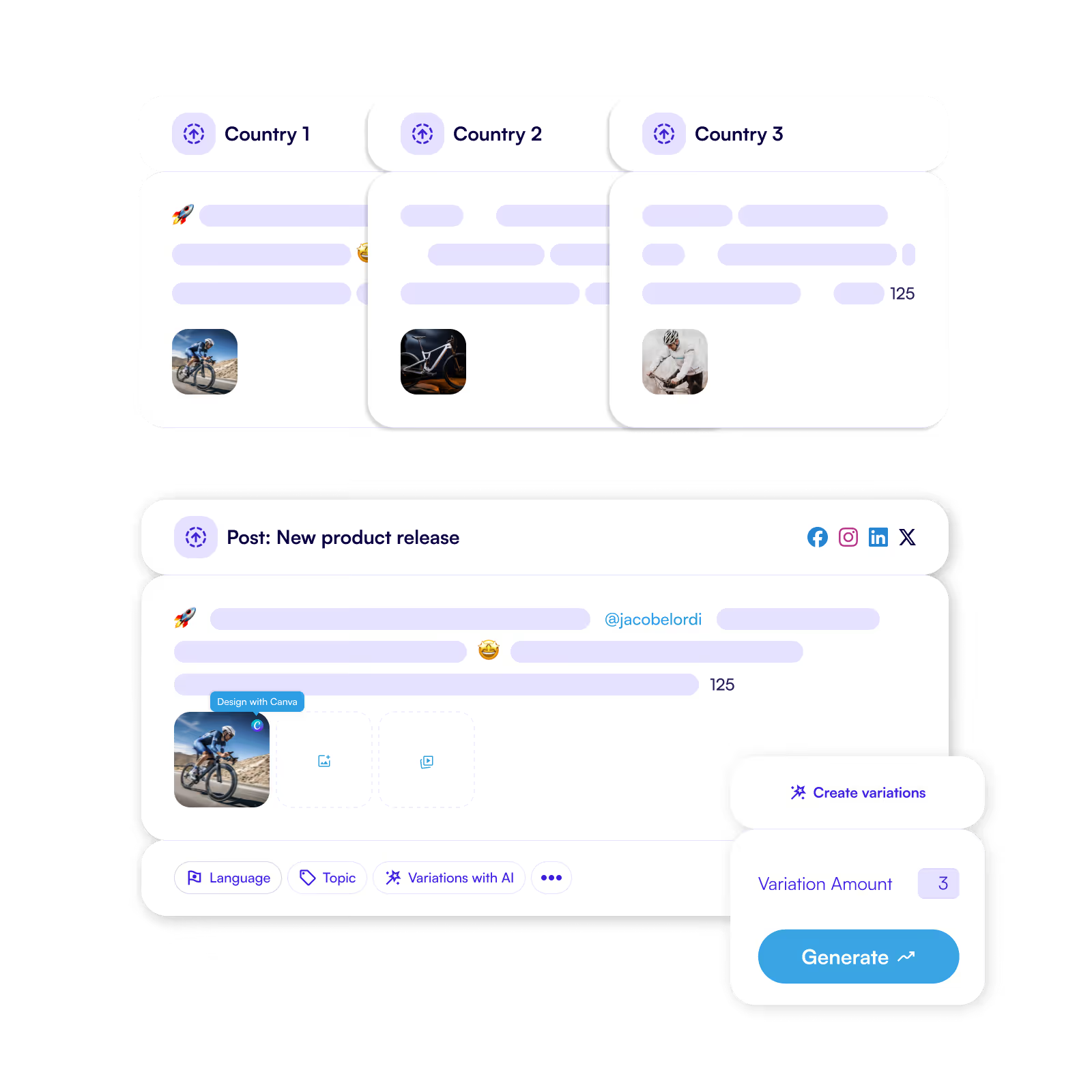
Create instant variations of a post with Ai.
Composer to create post variations and auto translate them into different languages.

Why this feature matters.

As organisations scale, social media governance often becomes a trade-off between control and speed. Without clear structures, organisations either lose oversight or slow teams down with unnecessary approvals. This often leads to:

  • Inconsistent messaging across regions or brands.
  • Unclear responsibilities for publishing and approvals.
  • Local teams working outside governance frameworks.

Multi-layer governance solves this by combining clear central control with structured local autonomy.

Key capabilities.

This feature allows organisations to manage social media governance across teams and markets while keeping collaboration efficient.
  • Central brand guidelines and policy control.
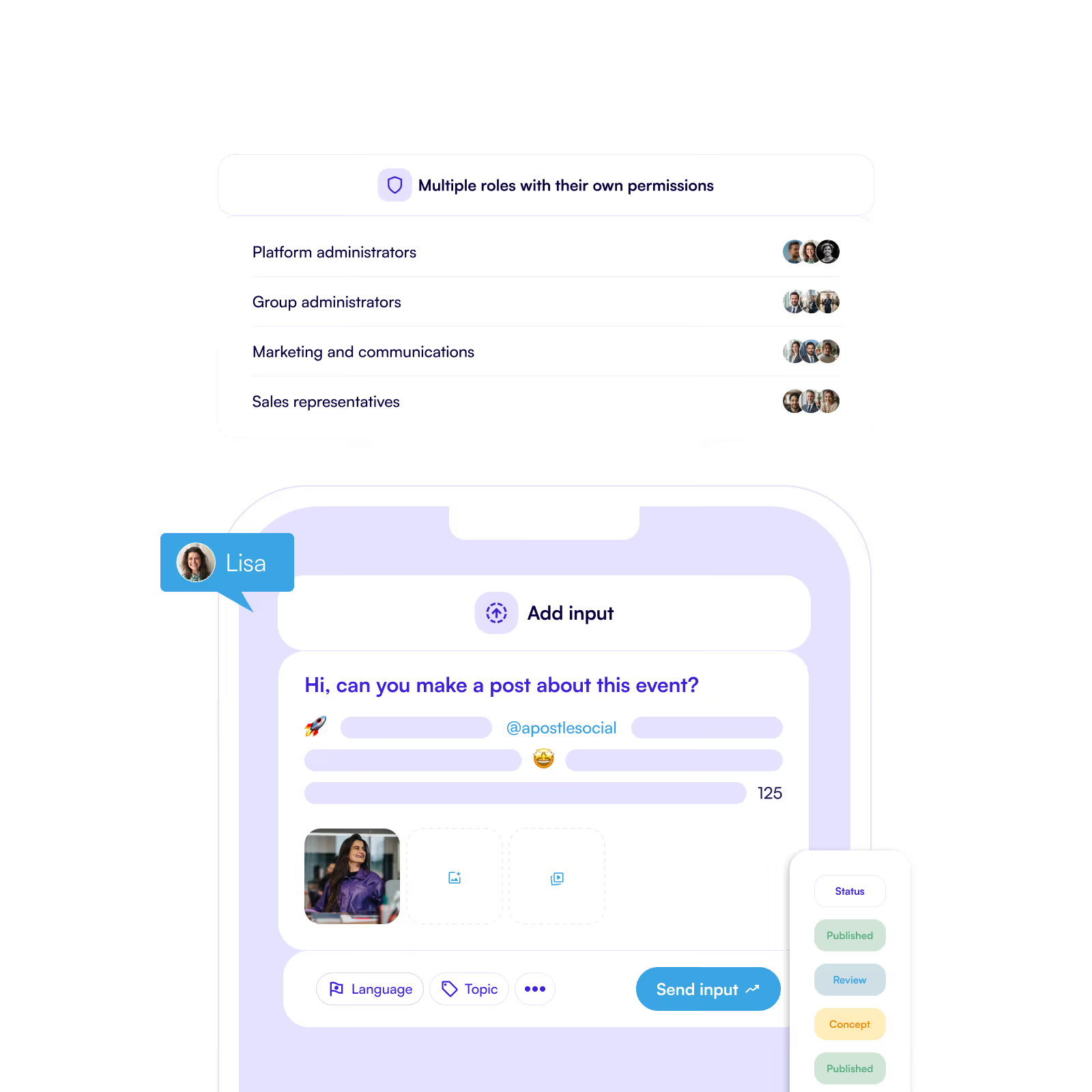
  • Role-based access and permissions.
  • Local freedom within clearly defined boundaries.
  • Governance across regions, brands and markets.
  • Consistent messaging across the organisation.
Generate variations of a post.
Content calender and themes to easily stay on top of content.

Built for organisations that operate at scale.

Multi-layer governance supports organisations operating across countries, regions and partner networks.

  • Central teams define frameworks, policies and guardrails.
  • Regional or local teams activate content within those guidelines.
  • Organisations maintain control while enabling distributed teams.

Ready to explore the software and features?

$(document).ready(function() { // Only execute if the URL contains the Dutch slug '/nl' // if(window.location.href.indexOf('/nl') > -1) { // Check if the URL does not contain the word 'webinars' if(window.location.href.indexOf('webinars') === -1) { const modal = $('#webinar-modal'); function webModal(){ hasSeenBanner = getCookie("hasSeenWebinarBanner"); if (hasSeenBanner == "") { modal.addClass('active'); } } function closeModal(){ setCookie('hasSeenWebinarBanner', '1', '20'); modal.removeClass('active'); } $('#close-webinar-modal').click(function() { closeModal(); }); setTimeout(() => { webModal(); }, 15000); // Below you find three function for setting a cookie, getting a cookie and eventually checking whether the cookie exists function setCookie(cname, cvalue, exdays) { const d = new Date(); d.setTime(d.getTime() + (exdays*24*60*60*1000)); let expires = "expires="+ d.toUTCString(); document.cookie = cname + "=" + cvalue + ";" + expires + ";path=/"; } function getCookie(cname) { let name = cname + "="; let decodedCookie = decodeURIComponent(document.cookie); let ca = decodedCookie.split(';'); for(let i = 0; i #webinar-modal.active { z-index: 1000; opacity: 1; } #modal-wrapper { transition-property: opacity, z-index; transition-duration: 200ms, 0; transition-delay: 0, 200ms; } .geek-frame-holder { margin: 0 auto; }