Waarom deze feature belangrijk is.
Naarmate organisaties groeien, wordt social media governance vaak een afweging tussen controle en snelheid. Zonder een duidelijke structuur verliezen organisaties het overzicht. Dit leidt vaak tot:
- Inconsistente communicatie binnen regio’s of merken.
- Onduidelijke verantwoordelijkheden.
- Lokale teams die buiten de governance kaders werken.
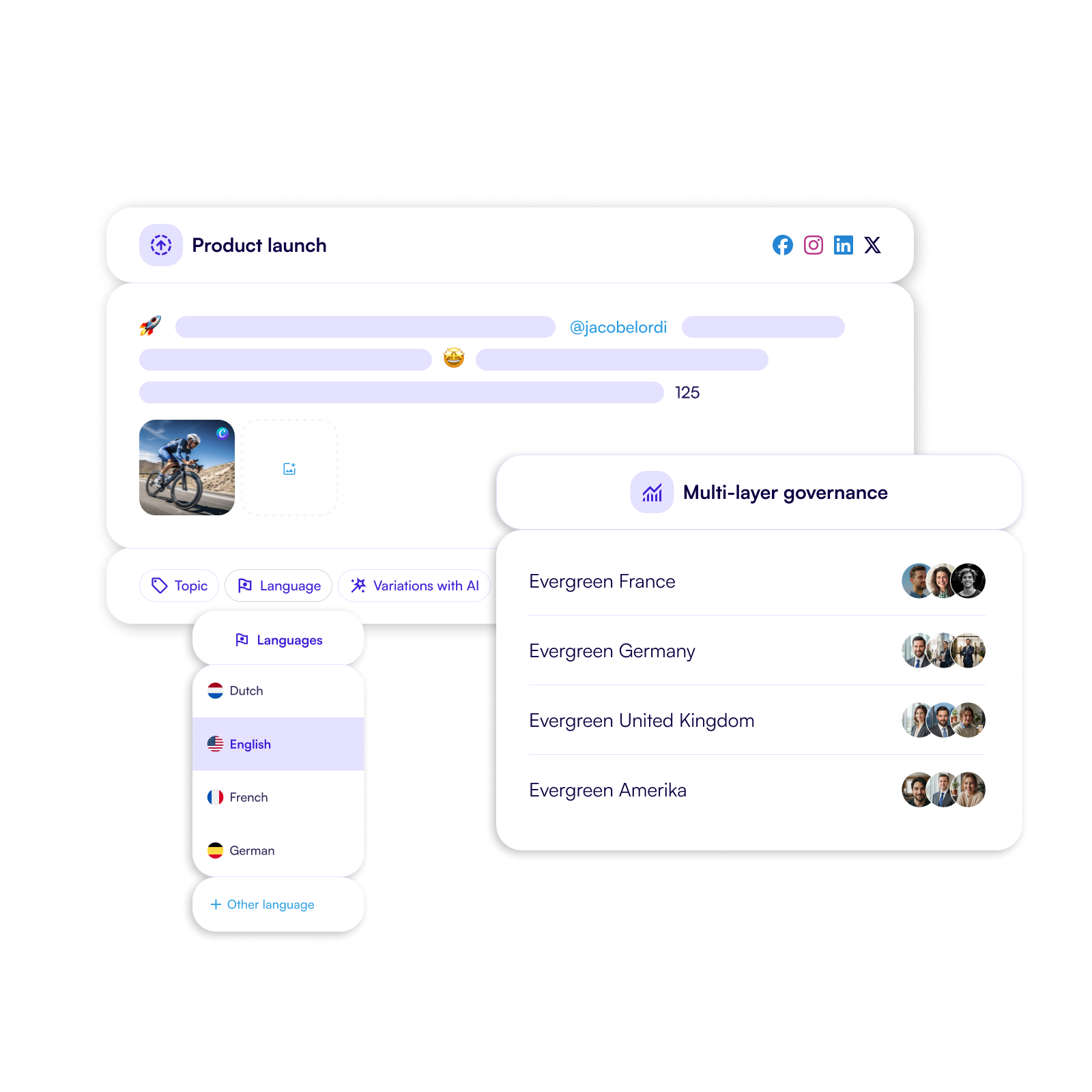
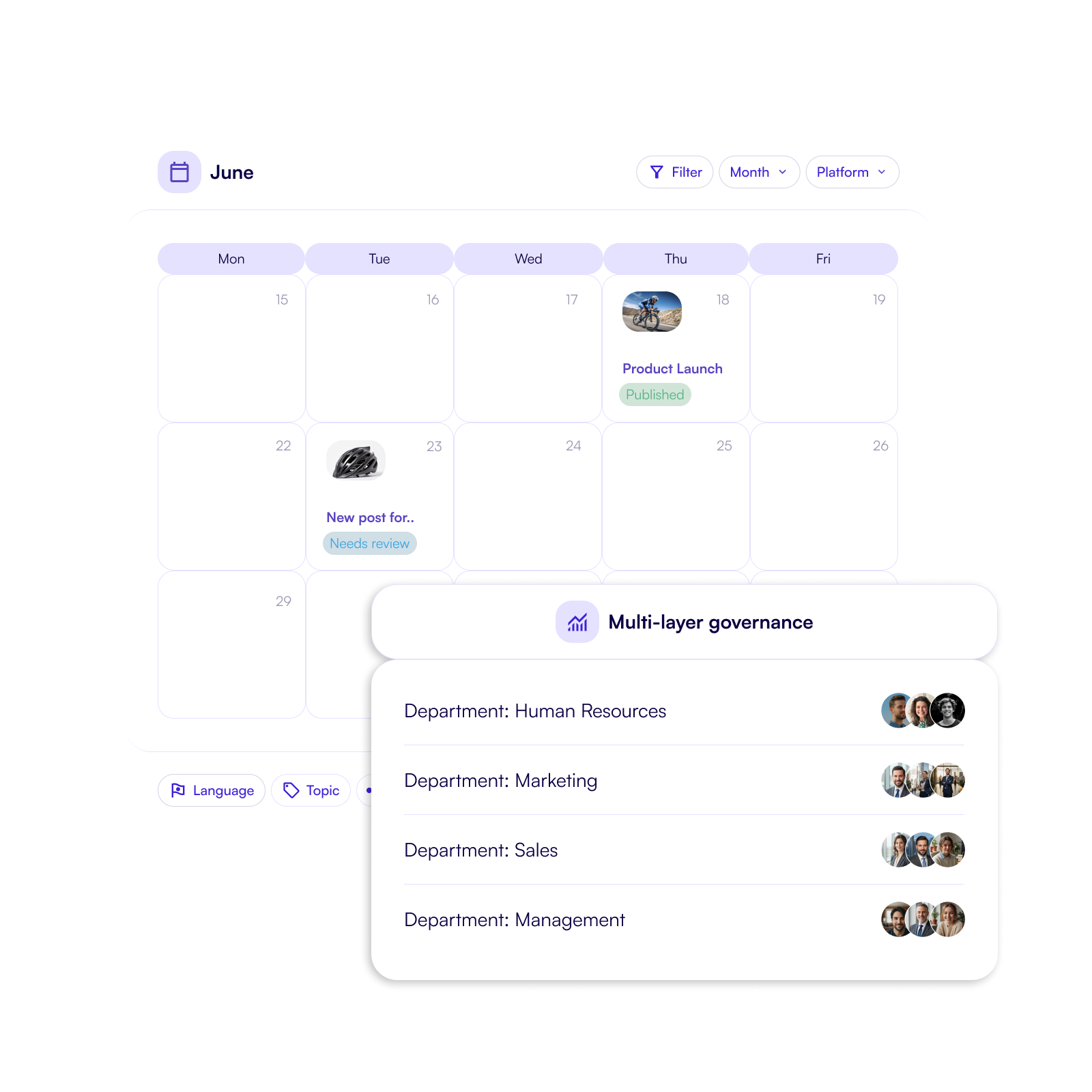
Regie op meerdere niveaus lost dit op door centrale regie te combineren met duidelijke lokale autonomie.
Belangrijkste functies.
Deze feature helpt organisaties om social media governance over teams en markten te beheren, terwijl samenwerking efficiënt blijft.
- Centrale merkrichtlijnen en beleid.
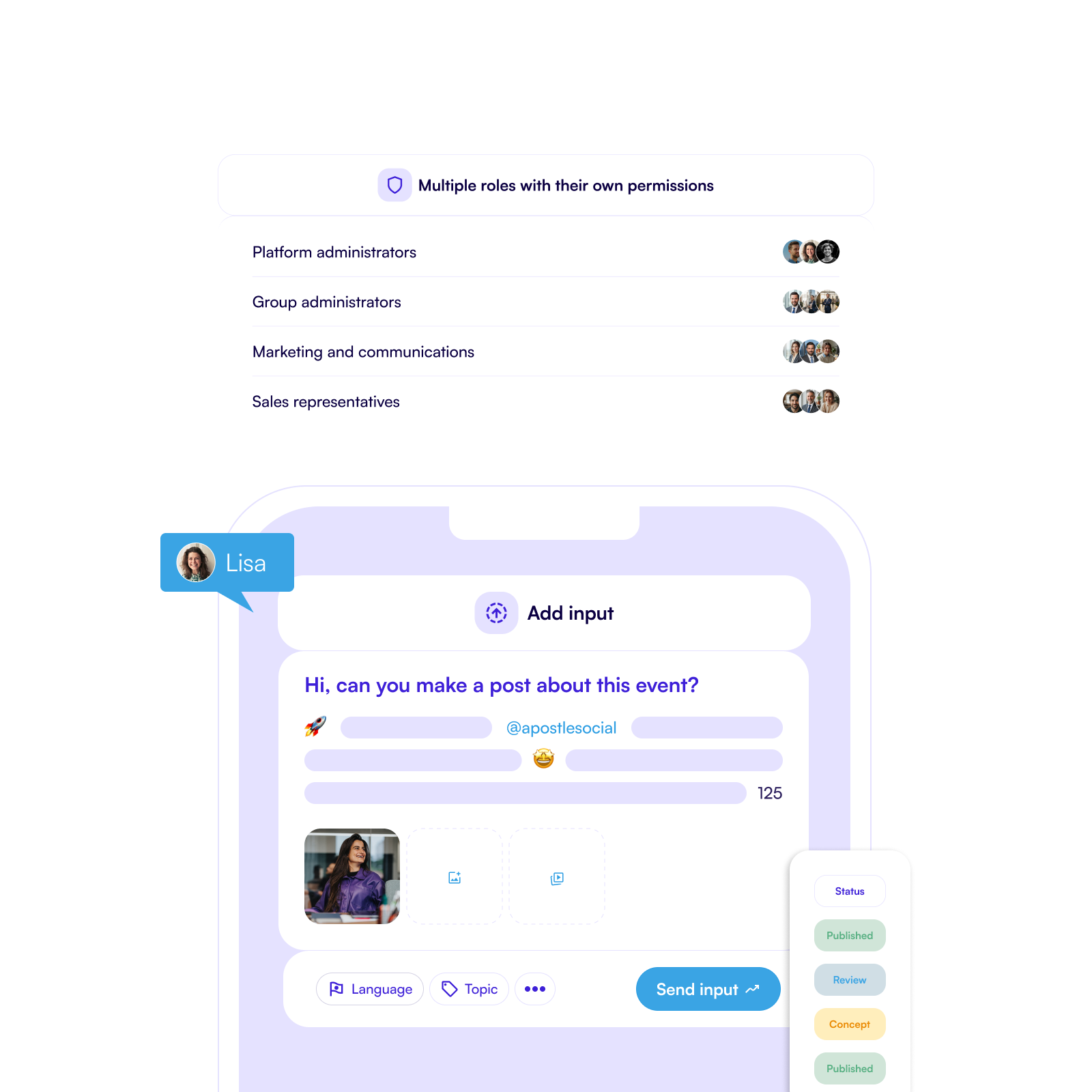
- Toegang en rechten op basis van rollen.
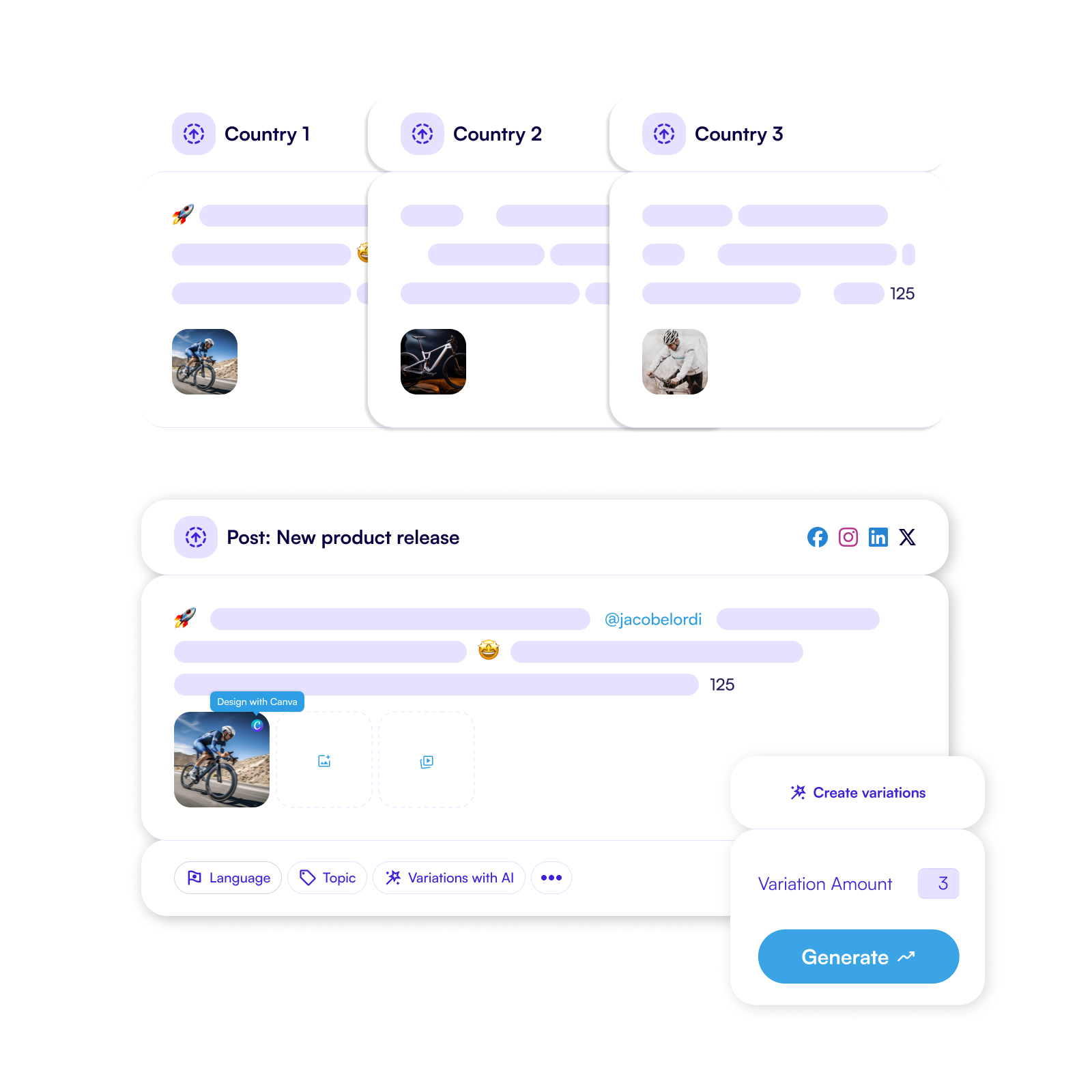
- Lokale vrijheid binnen duidelijke kaders.
- Governance over regio’s, merken en markten.
- Consistente communicatie binnen de organisatie.
Voor organisaties die willen groeien en opschalen.
Regie op meerdere niveaus ondersteunt organisaties die actief zijn in verschillende landen, regio’s en partnernetwerken.
- Centrale teams bepalen kaders, beleid en richtlijnen.
- Regionale en lokale teams delen content binnen deze richtlijnen.
- Organisaties behouden controle terwijl teams zelfstandig kunnen werken.
Klaar om de software en features te ontdekken?
$(document).ready(function() {
// Only execute if the URL contains the Dutch slug '/nl'
if(window.location.href.indexOf('/nl') > -1) {
// Check if the URL does not contain the word 'webinars'
if(window.location.href.indexOf('webinars') === -1) {
const modal = $('#webinar-modal');
function webModal(){
hasSeenBanner = getCookie("hasSeenWebinarBanner");
if (hasSeenBanner == "") {
modal.addClass('active');
}
}
function closeModal(){
setCookie('hasSeenWebinarBanner', '1', '20');
modal.removeClass('active');
}
$('#close-webinar-modal').click(function() {
closeModal();
});
setTimeout(() => {
webModal();
}, 15000);
// Below you find three function for setting a cookie, getting a cookie and eventually checking whether the cookie exists
function setCookie(cname, cvalue, exdays) {
const d = new Date();
d.setTime(d.getTime() + (exdays*24*60*60*1000));
let expires = "expires="+ d.toUTCString();
document.cookie = cname + "=" + cvalue + ";" + expires + ";path=/";
}
function getCookie(cname) {
let name = cname + "=";
let decodedCookie = decodeURIComponent(document.cookie);
let ca = decodedCookie.split(';');
for(let i = 0; i
Webinar: How Executive Profiling Drives Brand Success
Discover how to turn your leadership team into thought leaders on social media. Learn how to involve them in employee advocacy for maximum impact.

Locaties
Keizersgracht 391A
1016 EJ Amsterdam
Rijksweg 38G
5386 LE Geffen
Urb. Montesol 23
03802 Alcoy (Alicante)




.svg)
